Gemini comes to Apple CarPlay with hands-free Gemini Live conversations
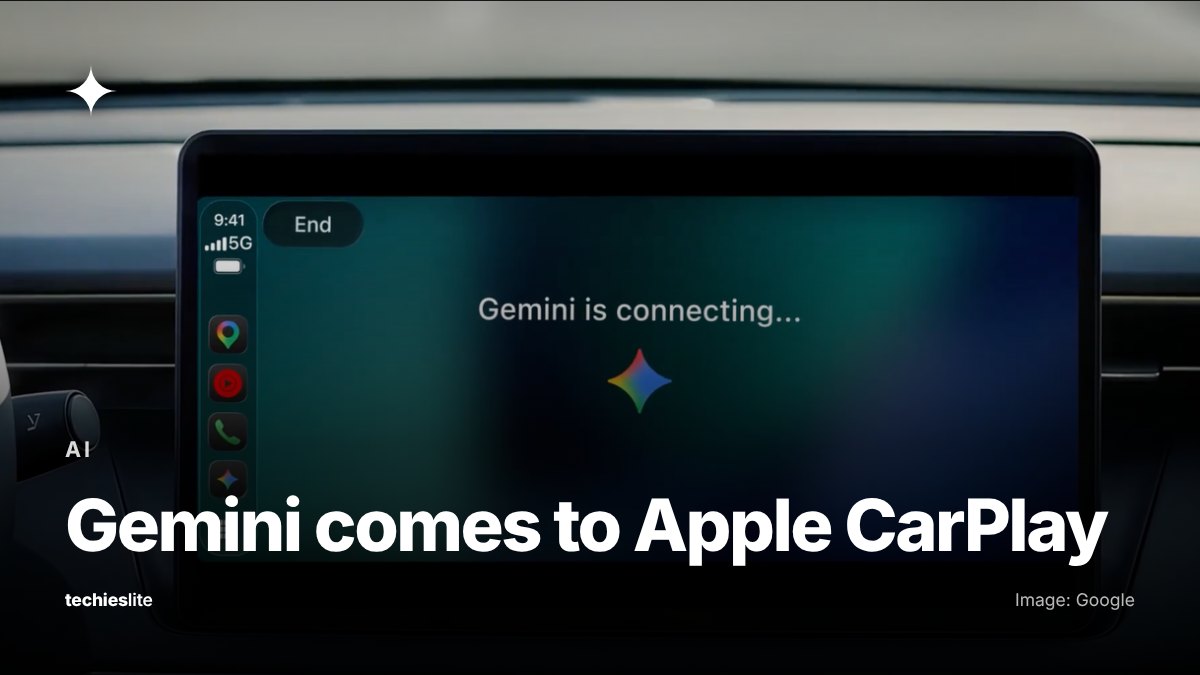
Google on Wednesday, November 11, began rolling out its Gemini app on Apple CarPlay, so iPhone users can hold spoken conversations with Gemini Live on their car's display. The rollout is global and covers all Gemini users on iOS. Google says the launch follows Gemini's rollout on Android Auto and in cars with Google built-in.
What Gemini on CarPlay does
Gemini gets its own icon on the CarPlay screen and side rail. Tapping it lets you pick up a recent chat or start a new one, and Google says you can talk at your own pace, interrupt to add a detail, change the subject or pause while you focus on the road.
Google pitches it as a way to use time in the car. Its examples include:
- asking what's on your calendar, when you need to leave for your next appointment or for help preparing for a meeting;
- asking for your Daily Brief, catching up on unread emails, summarizing long Gmail threads and talking through a quick reply, since Gemini connects to Google Workspace apps like Gmail and Google Calendar;
- finding a lunch spot near where you're heading or getting the history of a local landmark;
- rehearsing a presentation or having Gemini explain a topic out loud.
Conversations from CarPlay sync to the Gemini app on your iPhone, so summaries and notes show up in your chat history after you park.
Availability and how to turn it on
Google says Gemini on CarPlay is rolling out globally starting November 11 to all Gemini users on iOS, in every language Gemini Live supports. To use it, you need to:
- update the Gemini app on your iPhone to the latest version;
- allow the app to use the microphone;
- use Gemini Live on your phone at least once.
The next time the phone connects to your car, tap the Gemini icon on the CarPlay display.
The Daily Brief feature has to be turned on before you can ask for it in the car. Google says it and some other personalization features aren't available to users under 18 or in the European Economic Area and Nigeria.
CarPlay's voice app category
Apple's CarPlay developer page lists voice-based conversational apps among the app types allowed on CarPlay, alongside navigation, EV charging and parking apps.
What it means for you
If you drive with an iPhone and already use Gemini, the steps above are all Google lists. Its announcement doesn't name any requirements for specific cars or iPhone models.
Gemini can read and summarize your email in the car when it's connected to Gmail, so check which Google apps you've linked to it before you rely on it on the road.