Gemini can now edit files, from PDFs to slides, in the chat
Google's Gemini app can now preview and edit the files it generates, including PDFs, documents, spreadsheets and slide decks, without leaving the chat. Google announced the change on Thursday, October 29, and says it's available to all Gemini users in every language the app supports.
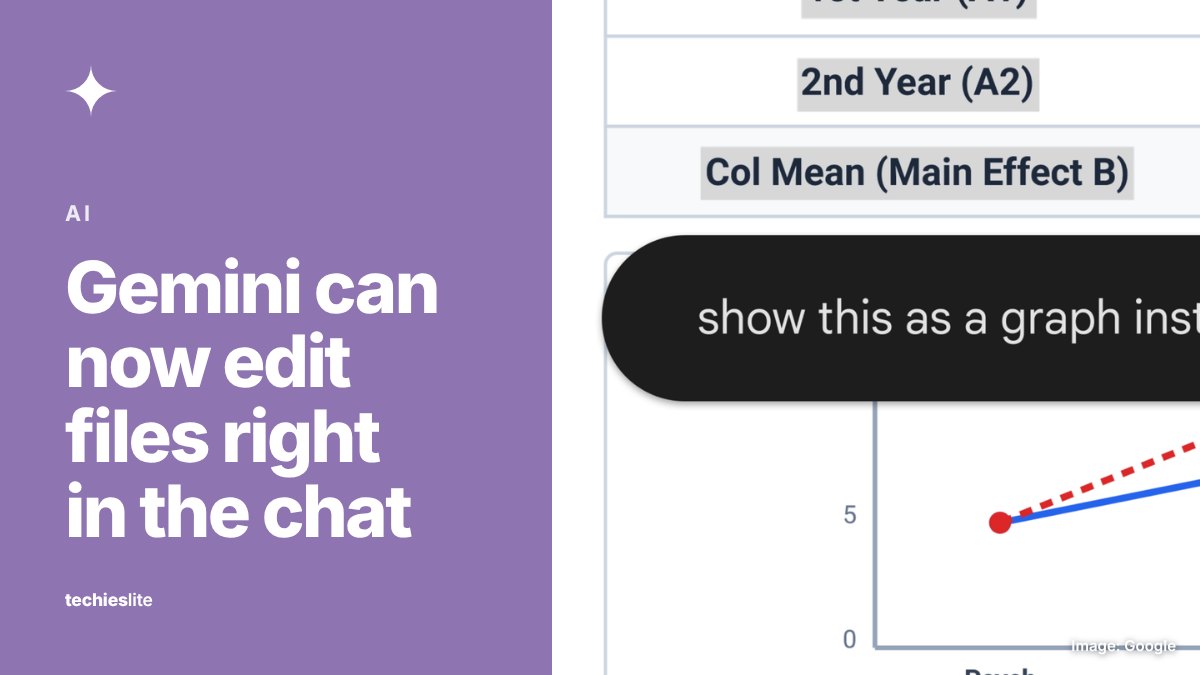
What's new
Gemini has been able to turn a prompt into a downloadable file since April. Now it also shows that file as a preview inside the conversation, and you can edit it there.
Google describes three ways to edit:
- Expand the file to full screen and type changes directly.
- Highlight a passage to ask Gemini a question about it.
- Ask Gemini to change the text or visuals for you.
In one example, Google shows Gemini turning uploaded handwritten lecture notes into a PDF study guide, which the user then edits by hand and with prompts.
Which files work, and where
PDF preview and editing works on the web and in the Gemini mobile apps. Everything else is web-only for now: Google Docs, Google Sheets, slide decks, Markdown files, TXT files and code.
Google's Workspace Updates blog gives more detail on each format:
- Slide decks: Gemini can draft an outline or slides, show the layout in the chat and adjust tone and structure. You can then open the deck in Google Slides or download it as a PPTX or PDF file.
- Spreadsheets: Gemini can build trackers, tables and data models from a prompt and open them in Google Sheets.
- Documents: Gemini can draft PDFs, Google Docs, LaTeX, Markdown and TXT files and edit them inline, and you can upload all of them to Google Drive.
Who gets it
The feature is live now for personal Google accounts, Workspace Individual subscribers and all Google Workspace customers. Google says there is no admin control for this feature itself. Workspace admins can still turn the Gemini app on or off. To try it, ask Gemini for the type of file you want.
What it means for you
If you already use Gemini to draft files, you can now refine them in the chat, by typing edits yourself or by asking Gemini. You can fix a wrong figure or tighten a paragraph right where Gemini made the file.
On mobile, only PDFs can be previewed and edited for now, so use the web version for documents, spreadsheets and slides. As with anything Gemini writes, check names, numbers and sources before you share the file.