Gemini Gems go read-only today as Google moves them to skills
Gemini Gems become read-only on Tuesday, November 17, for adults signed in with a personal Google account, and Google will remove them from the Gemini app on Thursday, December 17. Google says it will turn existing Gems into skills automatically, but some files won't make the move, so anyone who relies on a Gem has a month to check what carries over.
What changes and when
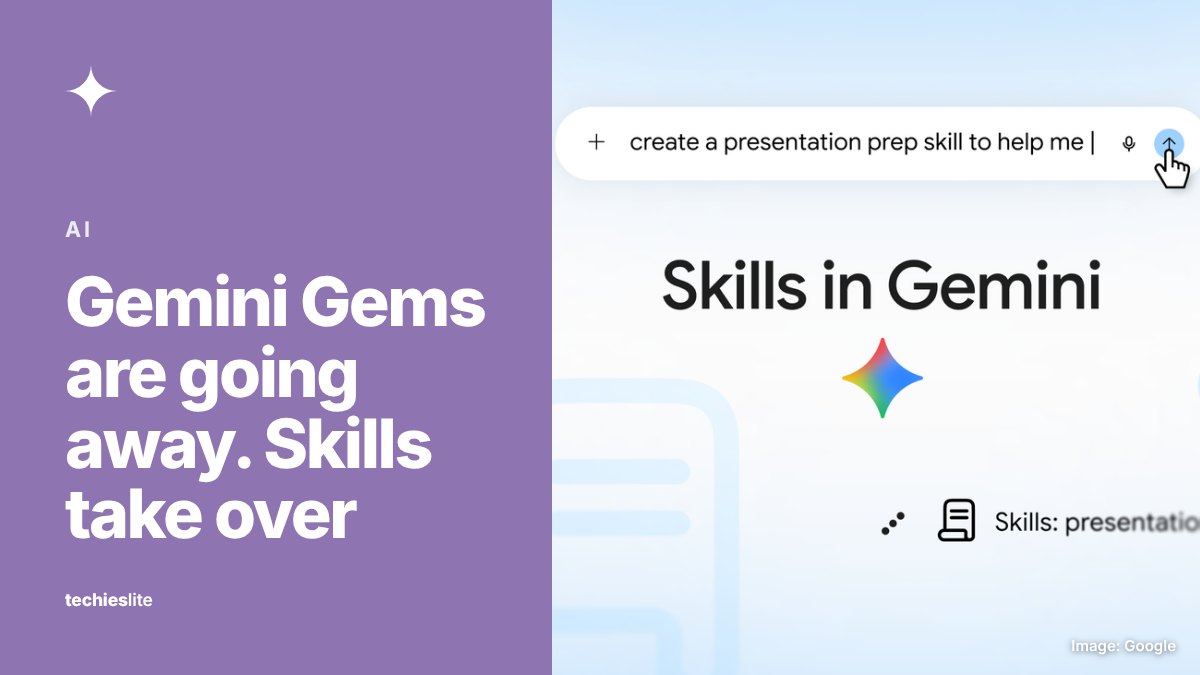
Gems are the custom versions of Gemini that people set up with their own instructions and reference files. Google is replacing them with skills, which it describes as reusable custom instructions that work inside any Gemini chat.
Google's help page lists a different schedule for each type of account:
- Personal Google accounts, 18 and over: Gems become read-only on November 17. You can still open them, but you can't use or edit them or create new ones. On December 17, Gems are removed and you lose access to them.
- Personal accounts under 18: later, with details to come.
- Workspace business, enterprise and nonprofit accounts: March 2027.
- Workspace education accounts: June 2027.
As part of the same change, Opal, Google's experiment for building mini apps, and Gems by Google Labs will also go away in November, according to the same page.
What carries over to skills
Google says it will recreate each Gem as a skill when Gems go away, along with any supported files. Sharing permissions carry over, so you don't need to share a converted skill again. Gems that other people shared with you show up as inactive on your Skills page, and you accept them from a notification there.
There are limits. A skill can hold 100MB of files in total, and if a Gem is bigger than that, Google removes its largest files first until it fits. These file types won't transfer at all:
- GitHub files
- Audio and video files
- Older Microsoft Office formats: .doc, .xls and .ppt
- Archives such as .zip, .tar, .7z, .rar, .gz and .tgz
Some Gem tools don't work with skills yet either. Google's help page lists Canvas, Deep Research, Guided Learning, video creation and music creation among the default tools that skills don't support for now. Only 100 skills can be active at once.
Skills get sharing and Drive files
Google is also closing two gaps between Gems and skills. A Google Workspace Updates post on Monday, November 16, says you can now share a skill from the Skills page in the Gemini web app with View or Edit permissions. You can also add files from Google Drive, Gemini Notebook and Google Photos to a skill, and Drive files and notebooks stay in sync with the latest version.
Sharing works only on the web for now, not in the Gemini mobile app. Google says both features are rolling out to Workspace customers and personal accounts. For Workspace domains, the rollout started on November 12 and can take up to 15 days.
What it means for you
If you use Gems on a personal account, you don't have to do anything: Google says the conversion is automatic. The risk is in the files. If a Gem relies on GitHub files, audio, video, archives, old Office documents or more than 100MB of material, download those files before December 17, because after that date Google says your Gems and their files are no longer available in Gemini.
You can also rebuild a Gem as a skill now instead of waiting. Google's help page walks through it: copy the Gem's name, description and instructions into a new skill under Customize. To add files, download the new skill, put its SKILL.md file in a folder with the Gem's files, name the folder to match the skill and upload it with Replace skill. To use a skill, type a slash and its name in any chat, or let Gemini pick it up when it's relevant.
Work and school accounts have more time. Google's admin guidance says Gems on those accounts move to Settings starting November 17 and keep working until the 2027 cutoffs, which Google says will come no sooner than March 1, 2027, for business and enterprise accounts and June 1, 2027, for education accounts. If you're new to custom AI assistants, our explainer on prompt engineering covers how to write instructions that work.