Linux Mint brings back hibernate mode in its next version
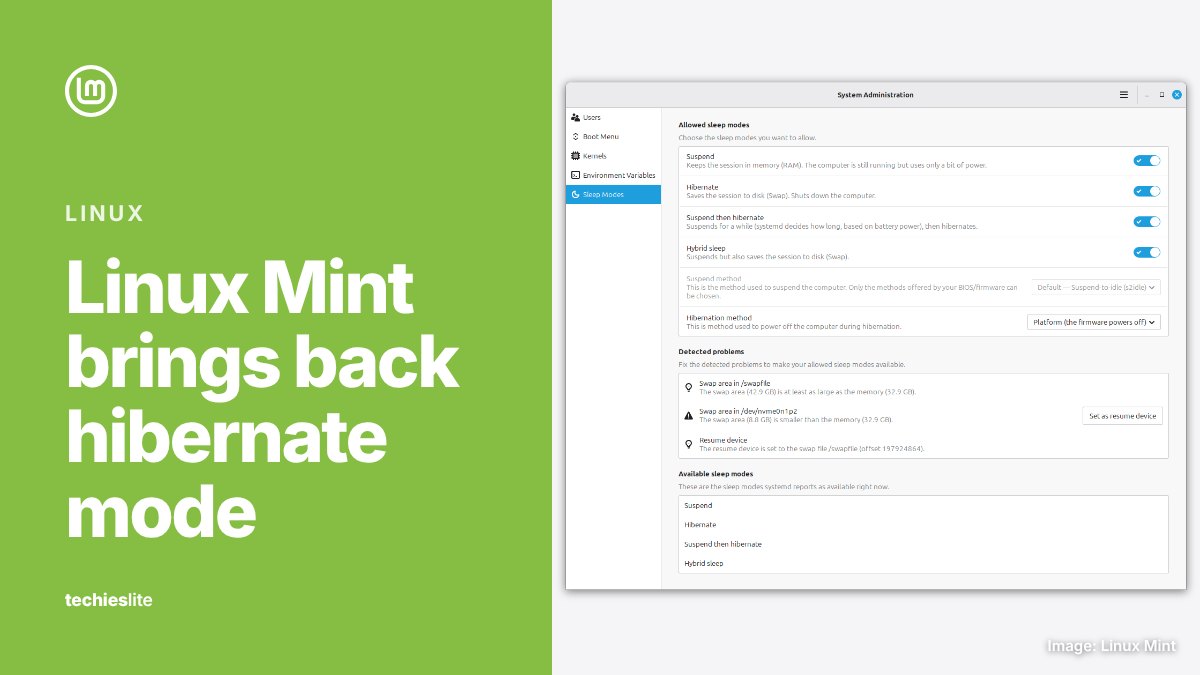
Linux Mint's next version will bring back hibernate mode, with a new settings page that makes it easy to switch on, the project said in its October monthly news post on Saturday, October 31. The post also previews 3 new apps: a system monitor called Superlight, a terminal called Velocitty and an archive manager called Unfold.
Mint founder Clement Lefebvre, who wrote the post as Clem, says the features are a preview. They're still being worked on and are planned for the next version of Linux Mint. Linux Magazine reported on October 20 that the next version is Linux Mint 27, codenamed Adrien, and that it's due during the Christmas holiday season.
Hibernation returns
When you close a laptop's lid, it normally goes into a sleep mode called Suspend. That mode is fast and reliable, but it still draws power. Clem writes that a good laptop with a full battery can sleep for 2 or 3 days before the battery dies, and when it does, the open session is lost.
Hibernation avoids that by saving the session to disk and shutting the computer down completely, so it uses no power. The catch is speed: hibernating and resuming can take longer than a reboot. It's also hard to set up, because it needs a large swap space on disk and doesn't work out of the box. Ubuntu removed it from its available sleep modes, so it usually wasn't offered in Mint.
Mint's answer is a new Sleep Modes page in the System Administration tool. It lets you enable hibernation and set it up correctly. The page also adds 2 more modes:
- Hybrid Sleep suspends the computer but also saves the session to disk, so you can resume it even if the battery runs out.
- Suspend-then-Hibernate suspends the computer, then hibernates it when the battery level goes critical.
A new system monitor, terminal and archive manager
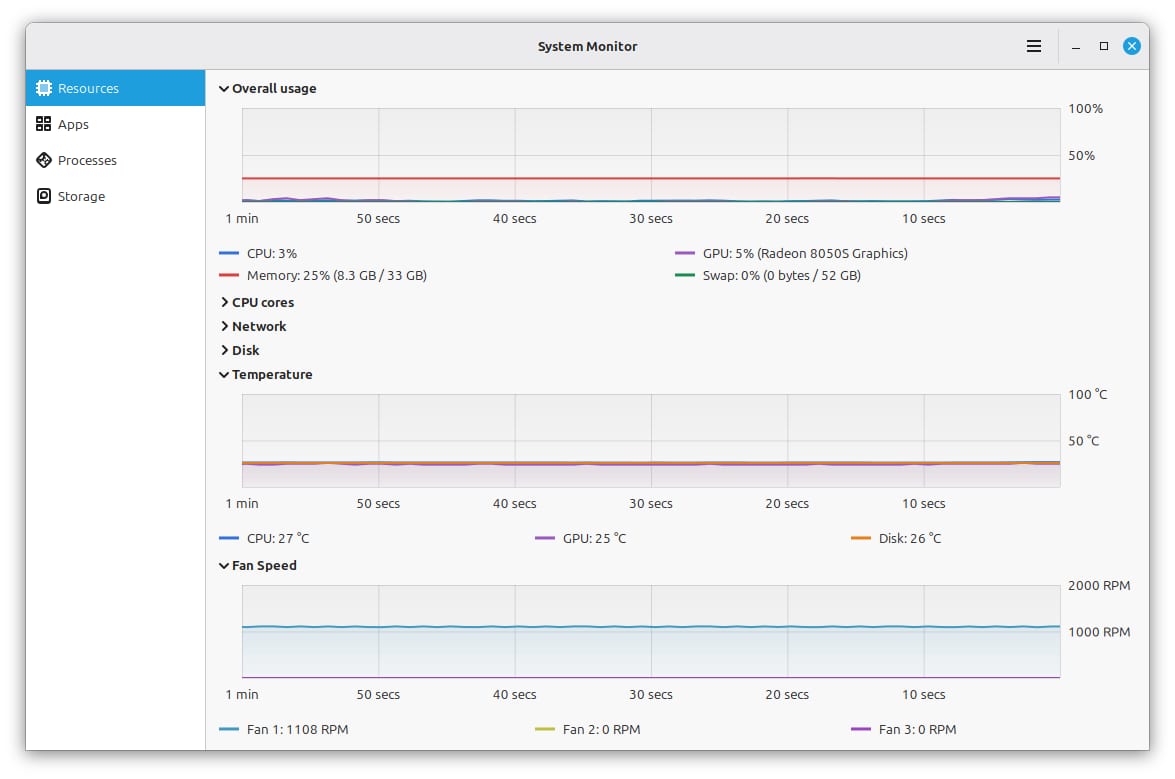
Superlight is a new system monitor. It graphs CPU, RAM, swap, GPU, network, disk I/O, temperature and fan speed, and lists how much of the system's resources each app and process is using. Computers with a battery also get a battery page with a history of charge level and power input and output. A Storage page breaks down disk use, and you can drill into your files, Steam games and Flatpak apps to see what takes up the most space.
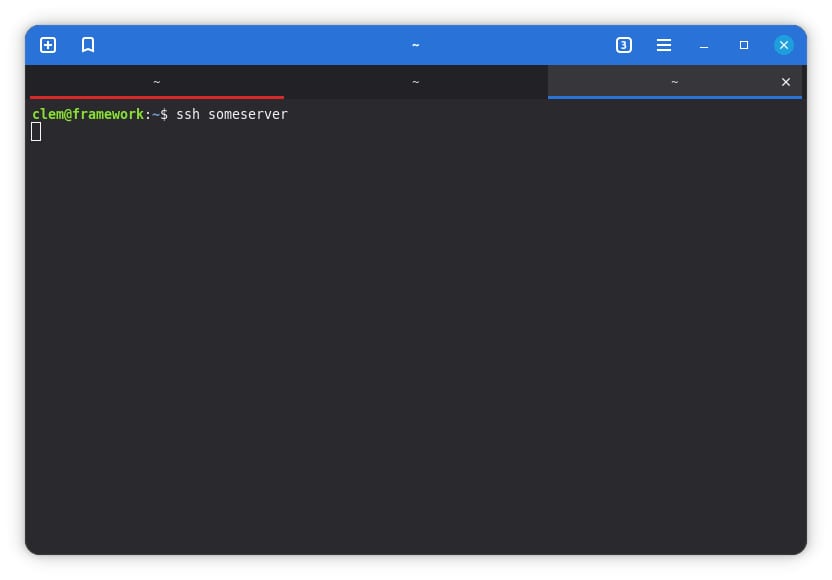
Velocitty is a new terminal app with a tab overview, color palettes and tabs you can move between windows or detach into a new one. You can choose the shell and a startup command, and save custom tabs with their own name, color and command. Tabs also change color to show what's happening in them: red for superuser sessions; blue for remote sessions, such as SSH; and a lighter shade while a process is running.
Unfold is a small archive manager for viewing, creating and extracting archives. It uses 7zip and 7zip-RAR and works with the encryption formats they support, including password-protected archives.
The file manager, Nemo, also gets a preview pane for audio, pictures and videos. You toggle it with F7 or a button in the status bar, and it shows details such as when a photo was taken and with which camera.
Other changes
Xenity, a fork of the Zenity 3.44 dialog tool with the same features, look and syntax, is now in the Mint 22.x and LMDE 7 repositories. The project also rewrote its Community Website from scratch after what it calls the recent discovery of critical vulnerabilities in PHP. The site no longer uses PHP or stores passwords, and sign-in now goes through GitHub.
What it means for you
If you use Linux Mint on a laptop that often dies in your bag after a few days asleep, Hybrid Sleep or Suspend-then-Hibernate should keep your work safe once Linux Mint 27 arrives. Hibernation needs a large amount of swap space on disk, so check your free space before you turn it on. The new apps and sleep modes aren't available on current releases yet.
If you're thinking about moving an older Windows PC to Linux, our guide to Linux Mint for Windows users covers the switch, and our list of lightweight Linux distros compares Mint with lighter options.