tvOS 27.2.1 brings Siri AI to older Apple TV 4K models
Apple released tvOS 27.2.1 on Friday, November 13, bringing its Siri AI assistant in beta to the Apple TV 4K (2nd generation) and later, not just the new model that went on sale the same day. The update also fixes 7 security flaws, most of them in Bluetooth and AirPlay pairing.
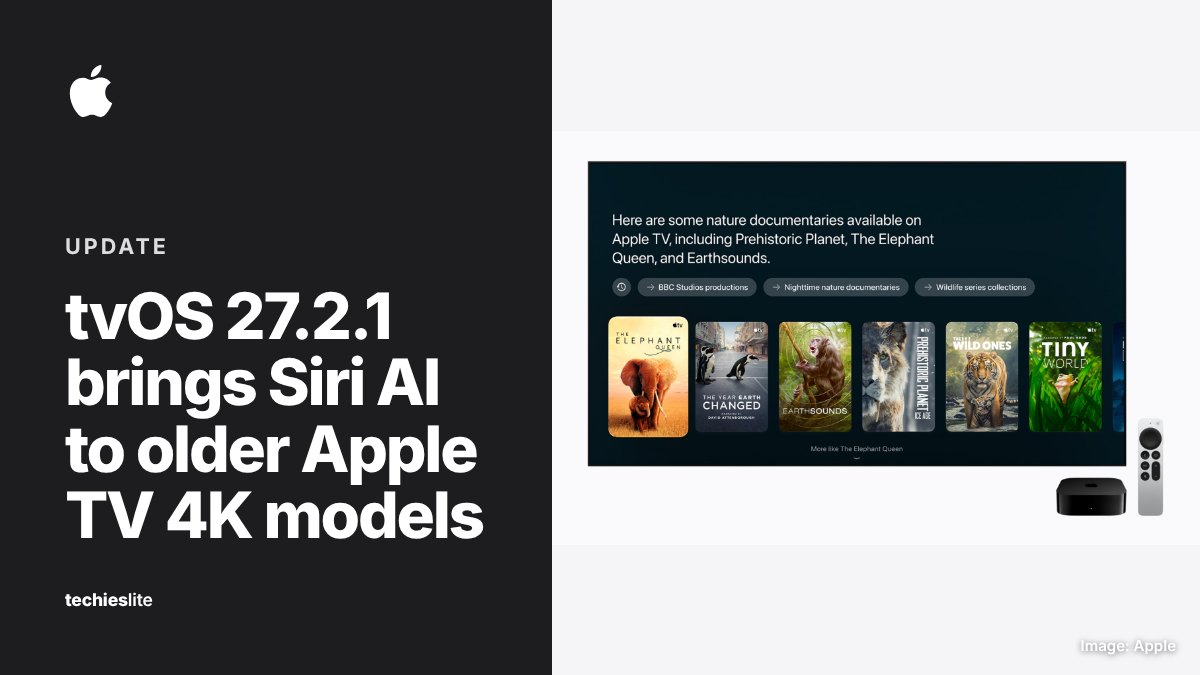
Siri AI on 2nd and 3rd generation models
Apple's release notes say tvOS 27.2.1 brings Siri AI to Apple TV 4K. Apple's Siri AI requirements page lists the Apple TV 4K (2nd generation) and later, which means the 2021 and 2022 models get the same assistant as the Apple TV 4K (4th generation) that went on sale on November 13.
Apple describes the new Siri as more capable and conversational. On Apple TV, the release notes list 4 main abilities:
- Search: a full-screen experience for finding movies and shows in the Apple TV app.
- Personal context: Siri can draw on your iPhone to find things like a show recommendation someone texted you.
- World knowledge: detailed answers to general questions.
- On-screen awareness: questions about what's playing, such as when the next season comes out.
Siri AI on Apple TV is still labeled a beta. According to the release notes, it works in English and needs an Apple Intelligence-enabled iPhone or iPad to set up. Apple's October announcement says it's available at launch in the US, Australia, Canada, India, New Zealand, Singapore, South Africa and the UK.
Some features stay exclusive to the new model. Hands-free "Siri" requests rely on built-in far-field microphones, and Apple lists those only on the 4th generation Apple TV 4K.
4-speaker HomePod surround sound
The update also lets you connect up to 4 HomePod speakers to an Apple TV 4K for surround sound, plus a Whole Room Audio mode that spreads sound evenly across all 4. It works only with the Apple TV 4K (4th generation) and needs matching front and rear pairs of HomePod mini 2 or HomePod (2nd generation) speakers.
The security fixes
Apple's security notes list 7 fixed flaws, and 4 of them involve pairing:
- CoreUtils (CVE-2026-113965): a malicious Bluetooth device may be able to pair without user interaction.
- CoreUtils (CVE-2026-113964): an attacker in Bluetooth range may be able to get around the limit on pairing code attempts and pair without user interaction.
- AirPlay (CVE-2026-113968): an attacker in Bluetooth range may be able to bypass the rate limit on pairing code attempts.
- rapportd (CVE-2026-113969): an attacker on the same network may be able to bypass the rate limit on AirPlay pairing code attempts.
A Bluetooth use-after-free bug (CVE-2026-113970) may let an attacker in Bluetooth range corrupt process memory. The other 2 fixes cover an App Intents bug that may let an app access sensitive user data and an out-of-bounds write in the brotli component. Apple doesn't say that any of the flaws has been exploited. Apple fixed the same pairing bugs on iPhone in iOS 27.2.1 on November 9.
What it means for you
If you have an Apple TV 4K (2nd generation) or later, install the update. To do it, open Settings, choose System, then Software Updates, select Update Software, then Download and Install. Keep the Apple TV connected and plugged in until the update is complete. Turning on Automatically Update in the same menu installs future fixes for you.
Not sure which model you have? According to Apple, the 2nd generation is model A2169, and the 3rd generation is A2843 or A2737.
Owners of the Apple TV 4K (1st generation) and Apple TV HD are left out. Apple's security notes list tvOS 27.2.1 only for the Apple TV 4K (2nd generation) and later, so those older boxes get neither Siri AI nor these fixes.