Windows 11 baseline protection lets apps check your PC's security
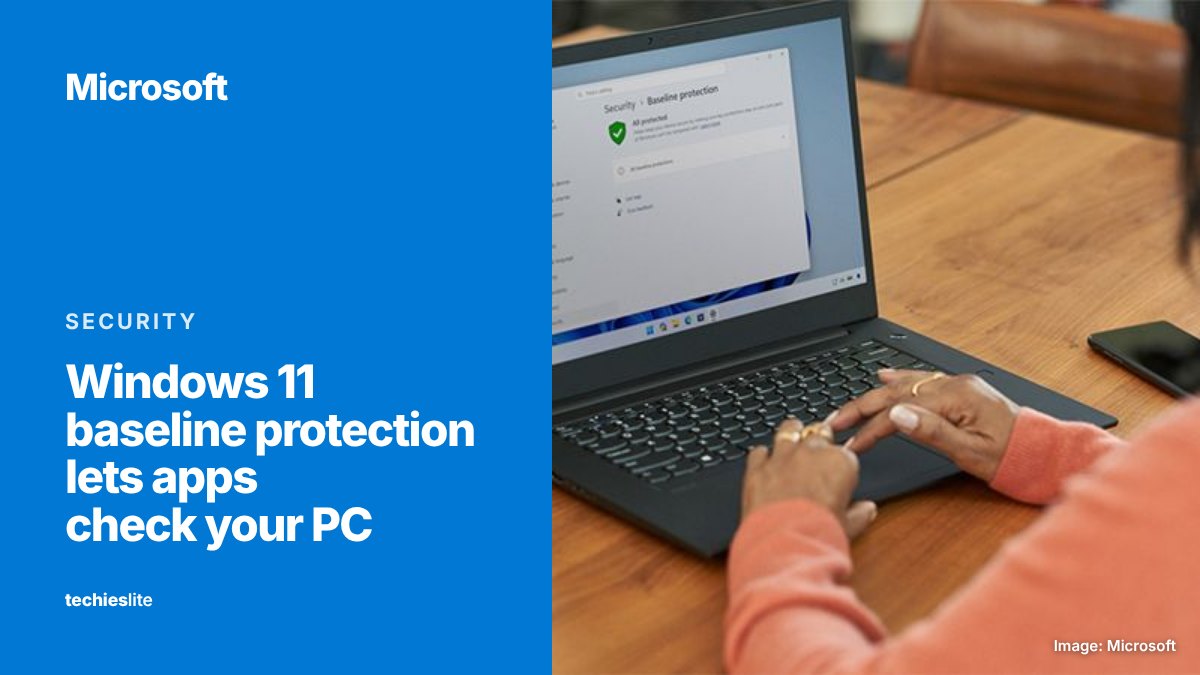
Microsoft has put Windows 11 baseline protection into preview for Windows Insiders, combining 8 existing security features into a single pass-or-fail result that the PC's owner, IT departments and apps can all read. Developers decide what happens when a PC falls short, from a warning to blocking it.
What baseline protection checks
Microsoft announced the feature on Tuesday, November 17, during its Ignite conference, and plans general availability in 2027. Every protection it covers already exists in Windows. What changes is that Windows now evaluates them together, and a device reports "true" only if all of them are on. The first version requires:
- a security processor (such as a TPM);
- Secure Boot;
- virtualization-based security;
- memory integrity;
- signed drivers only;
- Windows-certified drivers;
- kernel debugger protection;
- vulnerable driver protection.
Windows checks the state at boot using measurements from the security processor, and switching any requirement off takes a restart. Microsoft calls this list "the floor, not the ceiling." The criteria are versioned and will grow over time, so a PC that passes today could need more later.
How apps will use it
Apps can ask for the result in 3 forms: a simple yes or no, a detailed report of which protections are missing, or a hardware-backed attestation token that a company can verify on its own servers. Microsoft is pitching it as a replacement for the checks many developers build themselves, such as a banking app testing for a TPM or a game's anti-cheat inspecting drivers.
The response is up to each developer. Microsoft lists allowing, warning, gating a feature, reducing functionality, logging and blocking as options. "The platform reports the state; you own the policy," the company writes. It also asks developers to test their apps on PCs with every protection turned on.
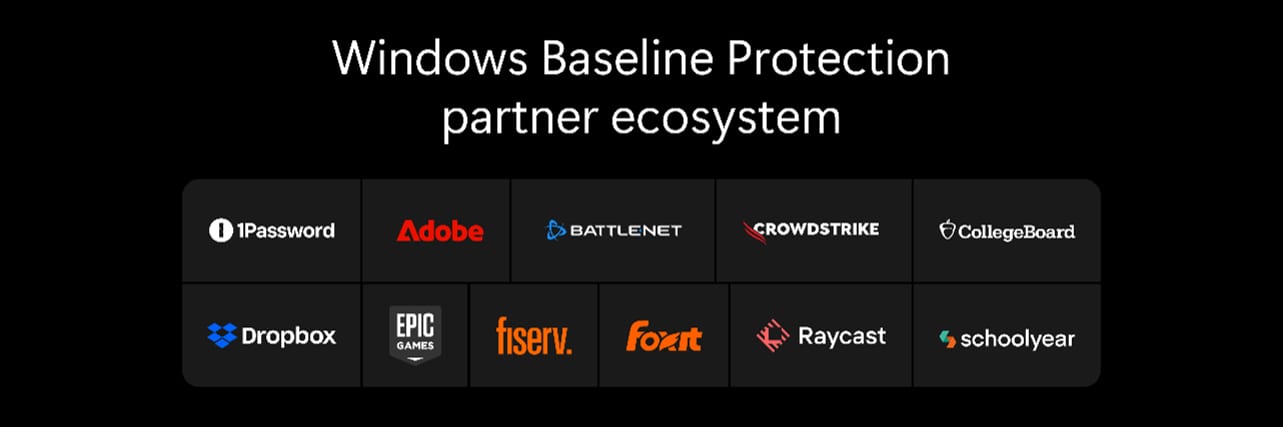
Adobe, Battle.net, Raycast, 1Password and Schoolyear are quoted as early partners. Schoolyear, which makes exam software, says the API lets it verify a student's device before an exam starts.
A new Security page in Settings
For users, the result lives on a Baseline protection page under a new Security section in Windows Settings. It shows whether the PC meets the bar and which protections are missing. On personal or unmanaged PCs, a single button turns on the missing protections and restarts the device. If a firmware change is needed, such as enabling Secure Boot or the TPM in the UEFI, Windows walks you through it. Apps can link straight to the page.
Firewall controls are also moving into Settings, next to the network and internet options. On work PCs, admins manage baseline protection through the Microsoft 365 admin center's Baseline Security Mode, Microsoft Intune or third-party tools, and can make it a condition of access with a compliance policy.
What it means for you
Nothing changes for most people yet. The feature is only in preview for Windows Insiders, and Microsoft says feedback before the 2027 release will shape it.
The people most likely to notice are those who have switched protections off. If you disabled memory integrity or virtualization-based security, your PC won't report a passing result until you turn them back on. PCs running Windows 11 without a TPM or with Secure Boot off will fail too, which matters if you installed Windows 11 on unsupported older hardware.
Whether that blocks anything depends on each app's developer. If your hardware supports these features, you can check and enable them now with our guide to turning on TPM and Secure Boot.